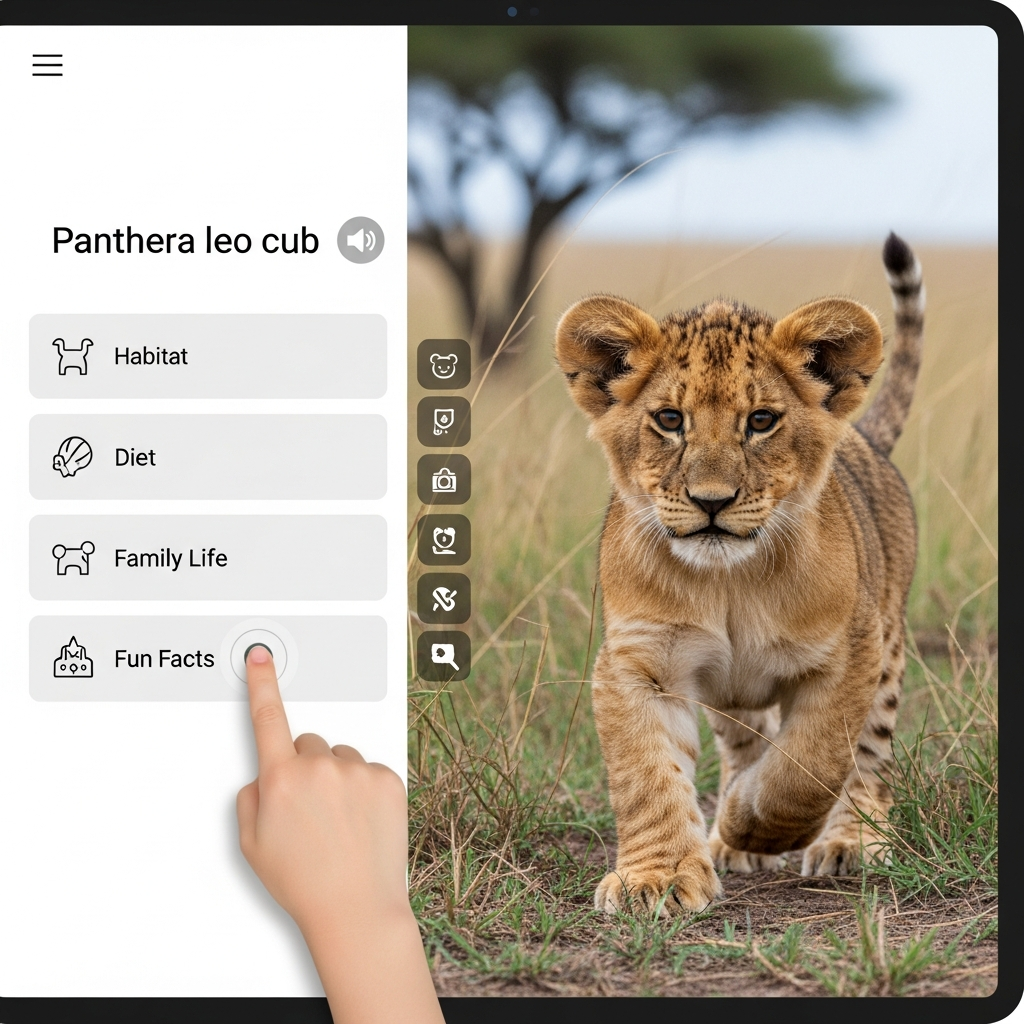
As parents, we’re always looking for ways to help our children learn and grow. In today’s digital world, screens are a big part of life. It can feel like a constant balancing act, trying to limit screen time while also wanting to give our kids tools that can help them thrive.
But what if screen time could be more than just entertainment? What if it could be a powerful tool for learning, discovery, and skill-building? The good news is, it absolutely can be! With the right educational apps, your child can explore new subjects, practice important skills, and even discover hidden talents, all while having a fantastic time.
This article is here to help you navigate the world of learning apps. We’ve done the research to bring you a hand-picked list of 10 fantastic apps that offer real educational value, engage young minds, and make learning fun. Think of them as helpful sidekicks on your child’s journey to knowledge!
Why Learning Apps Can Be a Parent’s Friend

It’s natural to worry about how much time our children spend looking at screens. However, educational apps are very different from simply watching cartoons. When chosen carefully, they offer a lot of benefits for growing minds.
They make learning engaging and interactive. Instead of just passively receiving information, kids are actively participating, solving puzzles, and answering questions. This active engagement helps them remember things better.
Learning apps can also fill in gaps or reinforce what kids are learning in school or at home. They can offer a fresh perspective on tricky subjects, making complex ideas easier to grasp through games and visual aids. Plus, they introduce children to digital literacy, an essential skill for their future.
For busy parents, these apps can also provide a few moments of calm, knowing your child is engaged in something productive and educational. It’s about smart screen time, not just more screen time.
What to Look for in a Good Learning App

Before we dive into our top picks, here’s a quick guide on how to spot a truly great learning app for your child. Keeping these points in mind will help you make the best choices for your family.
* Real Educational Value: Does the app actually teach something? Look for clear learning objectives, whether it’s letters, numbers, critical thinking, or creativity. It shouldn’t just be a game disguised as learning.
* Age Appropriateness: Check the recommended age range. An app that’s too easy will bore your child, and one that’s too hard will frustrate them. The best apps grow with your child or offer different levels of challenge.
* Engagement and Interaction: Kids learn best when they are actively involved. Look for apps that require children to tap, drag, speak, or solve problems rather than just watch. Fun characters and clear goals help keep them interested.
* Ease of Use: The interface should be intuitive for children. They should be able to navigate it mostly on their own, without constant adult help. Clear visuals and audio instructions are a big plus.
* No Hidden Costs or Distracting Ads: Many free apps come with ads or push for in-app purchases. It’s often worth paying a small one-time fee for an ad-free experience, which allows for uninterrupted focus on learning. Check parental control options for purchases.
* Positive Screen Time Habits: A good app encourages short, focused play sessions rather than endless scrolling. Look for apps that naturally have stopping points or encourage children to complete a task.
* Parental Controls and Progress Tracking: Some apps offer dashboards where parents can see what their child is learning and how they are progressing. This can be a great way to stay involved and monitor their educational journey.
Our Top 10 Picks for Learning Apps

Here’s our carefully chosen list of learning apps that truly stand out. Each one offers unique benefits and is designed to make learning enjoyable for different age groups and interests.
1. ABCmouse.com Early Learning Academy
ABCmouse is a comprehensive online curriculum designed for young children. It offers a structured learning path through subjects like reading, math, art, and music, all in one safe, ad-free environment.
* Age Range: 2 to 8 years old
* Key Skills Taught: Reading (phonics, sight words), Math (numbers, counting, shapes), Science, Art, Music, Social Studies.
* Why Parents Love It: It’s like a full online preschool and kindergarten rolled into one. The step-by-step learning path keeps kids engaged with over 10,000 learning activities, including games, books, puzzles, and songs. It covers a vast array of subjects in an engaging, interactive way.
* Parent Tip: Explore the different learning paths together at first. You can also customize the curriculum to focus on specific areas your child might need more help with.
2. Khan Academy Kids
Khan Academy Kids offers thousands of educational activities, books, songs, and videos for young learners. It’s completely free, without ads or subscriptions, making it a wonderful resource for families everywhere.
* Age Range: 2 to 8 years old
* Key Skills Taught: Reading and literacy, language, math, social-emotional development, problem-solving, and motor skills.
* Why Parents Love It: Developed by experts, it adapts to your child’s learning level, providing personalized recommendations. The interface is colorful and intuitive, and characters from popular children’s books guide kids through lessons. The fact that it’s completely free and ad-free is a huge bonus.
* Parent Tip: Let your child explore different subjects. It’s a great way to see what sparks their curiosity without any pressure.
3. PBS Kids Games
This app features hundreds of free educational games from popular PBS KIDS shows. Children can play with their favorite characters while learning about various subjects.
* Age Range: 2 to 8 years old
* Key Skills Taught: Early literacy, math, science, social studies, problem-solving, creativity.
* Why Parents Love It: The games are based on trusted, research-backed PBS KIDS programs, so you know the content is high-quality and age-appropriate. It offers a huge variety of games that are updated regularly, keeping things fresh and exciting for kids. Plus, it’s free!
* Parent Tip: Encourage your child to talk about the games they play. Ask them what they learned or how they solved a problem in the game.
4. Duolingo Kids
Duolingo Kids makes learning a new language fun and accessible for younger learners. It uses games and playful challenges to teach basic words and phrases in a variety of languages.
* Age Range: 4 to 10 years old (or slightly older for the main Duolingo app)
* Key Skills Taught: Basic vocabulary, phrases, listening comprehension in languages like Spanish, French, and English.
* Why Parents Love It: The app’s game-like approach keeps kids motivated with rewards and progress tracking. It uses proven language-learning techniques in a kid-friendly format, introducing them to the sounds and structures of other languages in a gentle way.
* Parent Tip: Try learning a few words alongside your child. It makes it a shared activity and can encourage them even more.
5. Epic! Kids’ Books and Videos
Epic! is a digital library offering thousands of books, audiobooks, videos, and quizzes for children. It’s like having an entire library at your fingertips, perfectly curated for young readers.
* Age Range: 0 to 12 years old
* Key Skills Taught: Reading comprehension, vocabulary, love for reading, exposure to diverse topics and genres.
* Why Parents Love It: It provides unlimited access to high-quality children’s literature, from picture books to chapter books and educational videos. Many books have a “Read To Me” option, which is fantastic for emergent readers. It adapts to your child’s reading level and interests.
* Parent Tip: Use the “Read To Me” feature together, then try reading the same book without the narration. It helps build confidence and fluency.
6. Osmo
Osmo blends physical play with digital learning. It uses a base and mirror accessory that attaches to a tablet, allowing children to interact with on-screen games using physical pieces like tangrams, letters, and drawing tools.
* Age Range: 3 to 12 years old (depending on the game kit)
* Key Skills Taught: Problem-solving, creativity, coding, math, spelling, drawing, critical thinking.
* Why Parents Love It: Osmo stands out by encouraging hands-on interaction, which is crucial for early development. It merges the benefits of screen time with tactile play, making learning truly immersive and engaging in a unique way.
* Parent Tip: Start with a game that aligns with your child’s current interests, like the drawing app “Masterpiece” or the spelling app “Words,” to spark their enthusiasm.
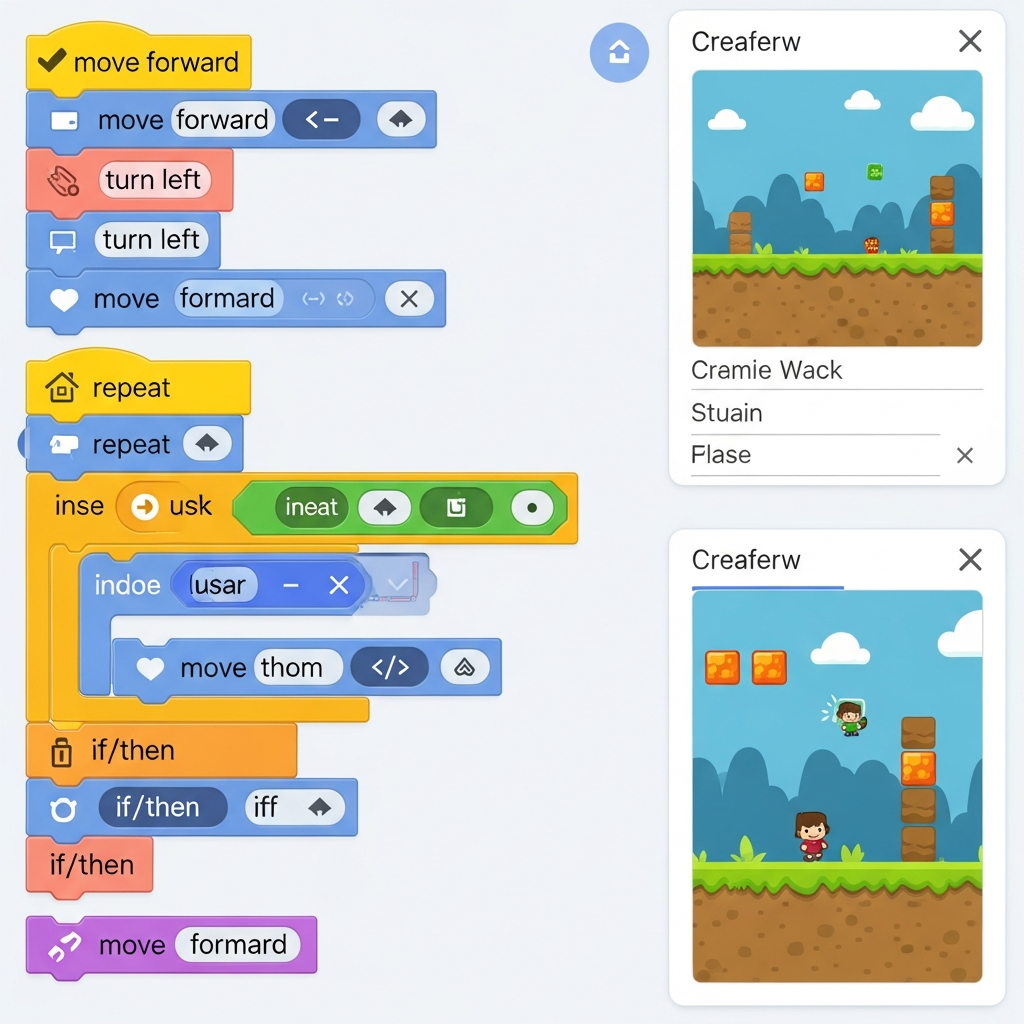
7. Tynker: Kids Coding & Games
Tynker introduces children to the world of coding through fun, visual programming. Kids learn to build games, design apps, and even control robots using block-based coding.
* Age Range: 5 to 14 years old
* Key Skills Taught: Coding concepts, computational thinking, problem-solving, logic, creativity, critical thinking.
* Why Parents Love It: Coding is a vital skill for the future, and Tynker makes it accessible and enjoyable. It starts with simple drag-and-drop blocks and gradually introduces more complex concepts, building a strong foundation in computer science.
* Parent Tip: Sit with your child as they build their first few projects. Celebrate their creations, no matter how simple, to encourage their coding journey.
8. Prodigy Math Game
Prodigy Math Game transforms math practice into an epic adventure. Children solve curriculum-aligned math problems to cast spells, battle monsters, and complete quests in a fantasy world.
* Age Range: Grades 1 to 8 (approximately 6 to 14 years old)
* Key Skills Taught: All core math skills (addition, subtraction, multiplication, division, fractions, geometry, algebra foundations).
* Why Parents Love It: It makes practicing math incredibly fun and motivating. The adaptive learning engine tailors questions to each child’s skill level, ensuring they are always challenged but not overwhelmed. Teachers also use it widely, so it often aligns with school curricula.
* Parent Tip: Link your parent account to track your child’s progress and see what math skills they are working on or excelling at. You can even set goals for them.
9. Starfall Education
Starfall provides a systematic approach to teaching reading and phonics. It’s well-known for its engaging activities that help children learn to read through songs, games, and interactive stories.
* Age Range: Preschool to 3rd Grade (approximately 3 to 8 years old)
* Key Skills Taught: Phonics, letter recognition, sight words, reading fluency, early math concepts.
* Why Parents Love It: Starfall has been a go-to resource for early literacy for years. Its systematic approach ensures children build a strong foundation in reading step-by-step. The bright colors, clear sounds, and repetition are very effective for young learners.
* Parent Tip: Follow the suggested learning path within the app, as it’s designed to introduce concepts in a logical, building-block fashion.
10. Sago Mini World
Sago Mini World is a collection of open-ended play apps that encourage creativity, exploration, and imagination. It features adorable characters and allows children to explore different worlds and scenarios without rules or scores.
* Age Range: 2 to 5 years old
* Key Skills Taught: Creativity, imaginative play, problem-solving (in an open-ended way), empathy, social-emotional skills.
* Why Parents Love It: These apps promote free play and imagination, which is vital for preschoolers. There are no right or wrong answers, allowing children to experiment and create their own stories. It’s a safe, ad-free space for young children to explore.
* Parent Tip: Play alongside your child for a bit. Ask them about what their character is doing or what’s happening in their little world to encourage storytelling.
Making Screen Time a Learning Adventure

Introducing learning apps into your child’s routine is a wonderful step, but it’s just one piece of the puzzle. Here are some tips to make sure screen time truly supports their overall development.
* Set Clear Time Limits: Decide on a reasonable amount of time for app play each day and stick to it. Consistency helps children understand boundaries.
* Co-Play and Engage: Don’t just hand over the tablet. Sit with your child, ask questions about what they’re doing, and celebrate their achievements. Your involvement makes the experience more valuable.
* Discuss What They’re Learning: After playing an app, chat about the characters, the concepts, or the skills they used. This helps them connect the digital world to real-world understanding.
* Balance with Offline Activities: Ensure screen time is just one part of a varied day that includes outdoor play, reading physical books, creative arts, and social interaction.
* Create a “Tech-Free” Zone: Designate certain times or places (like dinner time or bedrooms before bed) as screen-free to encourage other forms of engagement and relaxation.
A Supportive Takeaway

Finding the “best” learning apps for your child is a journey unique to your family. The goal isn’t to replace traditional learning or hands-on experiences but to enrich them. When used thoughtfully, these apps can be powerful allies in fostering curiosity, building foundational skills, and making the adventure of learning even more exciting for our little ones.
Remember, you know your child best. Observe what captivates them, what challenges them, and what brings them joy. With a little guidance and a lot of love, you can turn screen time into meaningful learning time, one app at a time. Happy learning!